Invigila provides schools one holistic interface and streamlined workflow for organising and executing examinations.
From the calendar to the exam room.
Integrated Scheduling
Built for IB & HSC
Customisable Timer Interface
Features Tailored for Special Provision Students
How it works
Our Process
Developed in Consultation with Secondary School Administrators
01
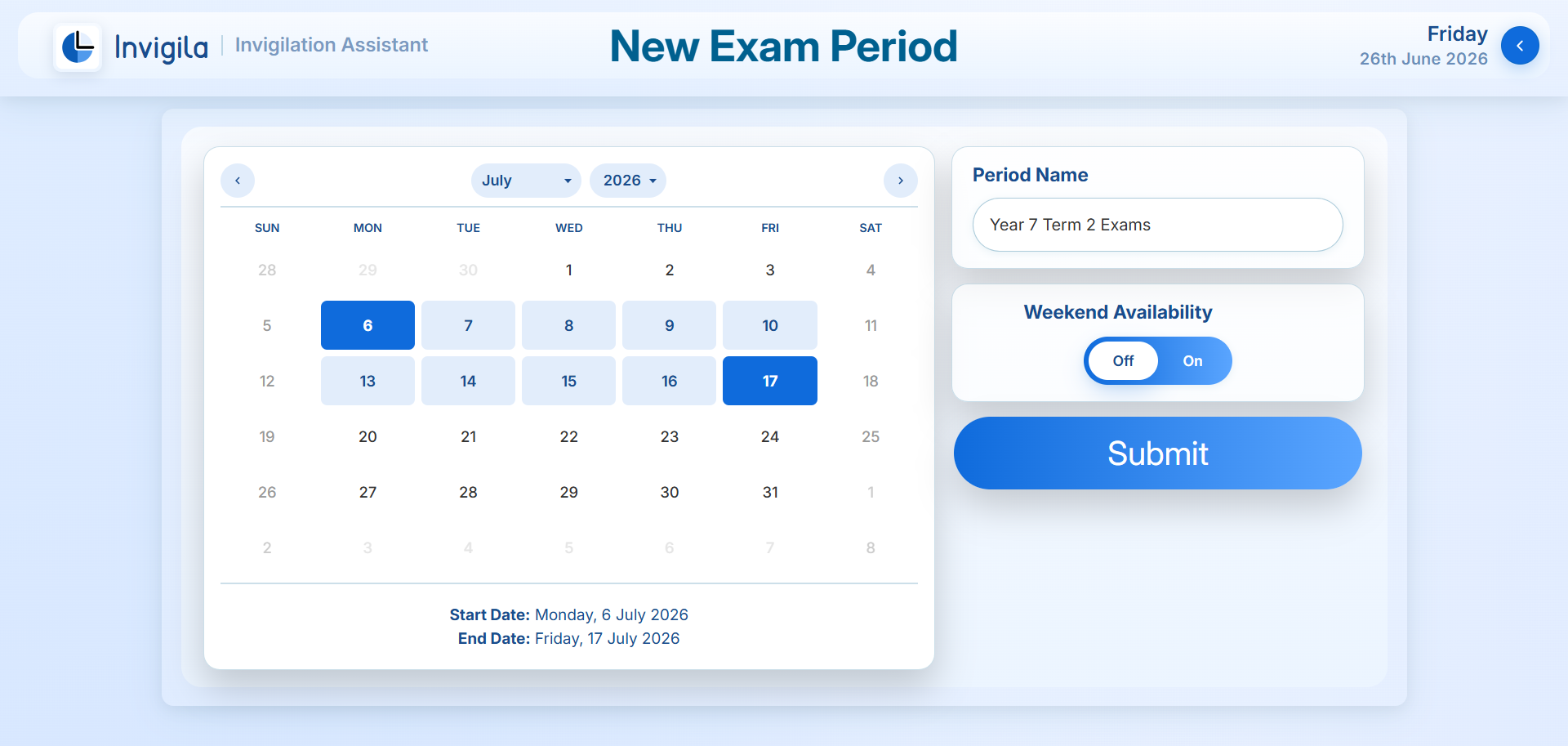
Create Exam Periods
Create Your Own Exam Blocks
Auto-generate IB & HSC Exam Periods
Navigate Your Exam Blocks in Digestible Sections
02
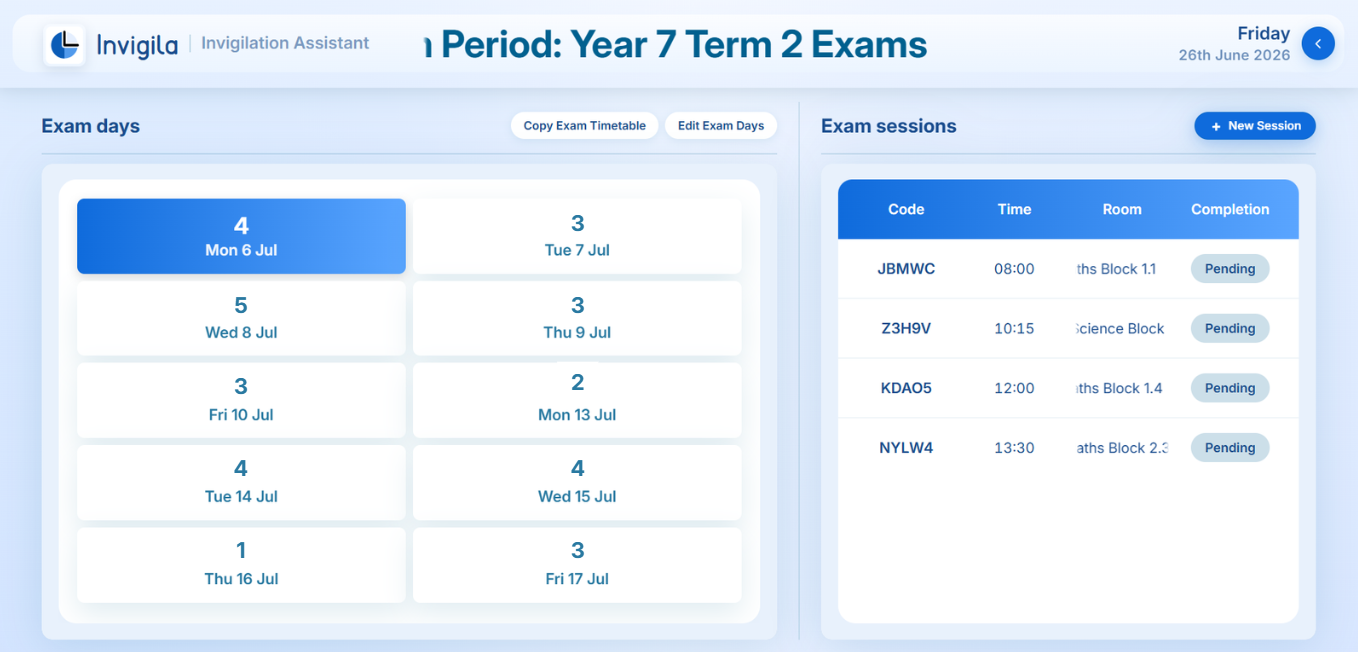
Instantiate and Organise Exam Sessions
Keep Track of What Exams are Planned for When
Distribute Your Exam Blocks Through Shareable XML Formats
Maintain a Clear Vision of How Exams are Progressing
03
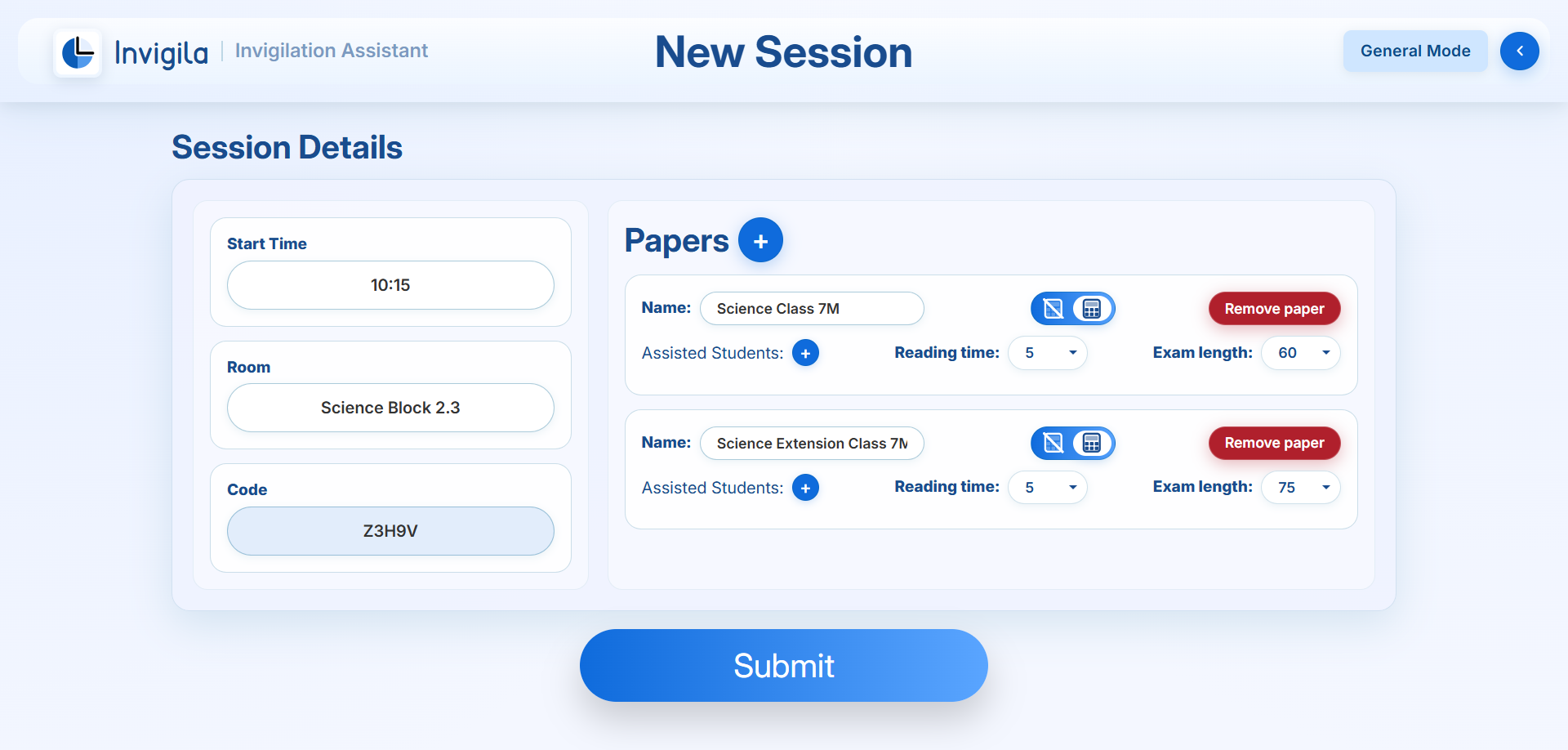
Develop and Distribute Papers For Exam Sessions
Streamlined Formats for the IB, HSC, and General Session Use
Optimised Subject and Paper Selection
Automatic 5 Character Entry Codes
04
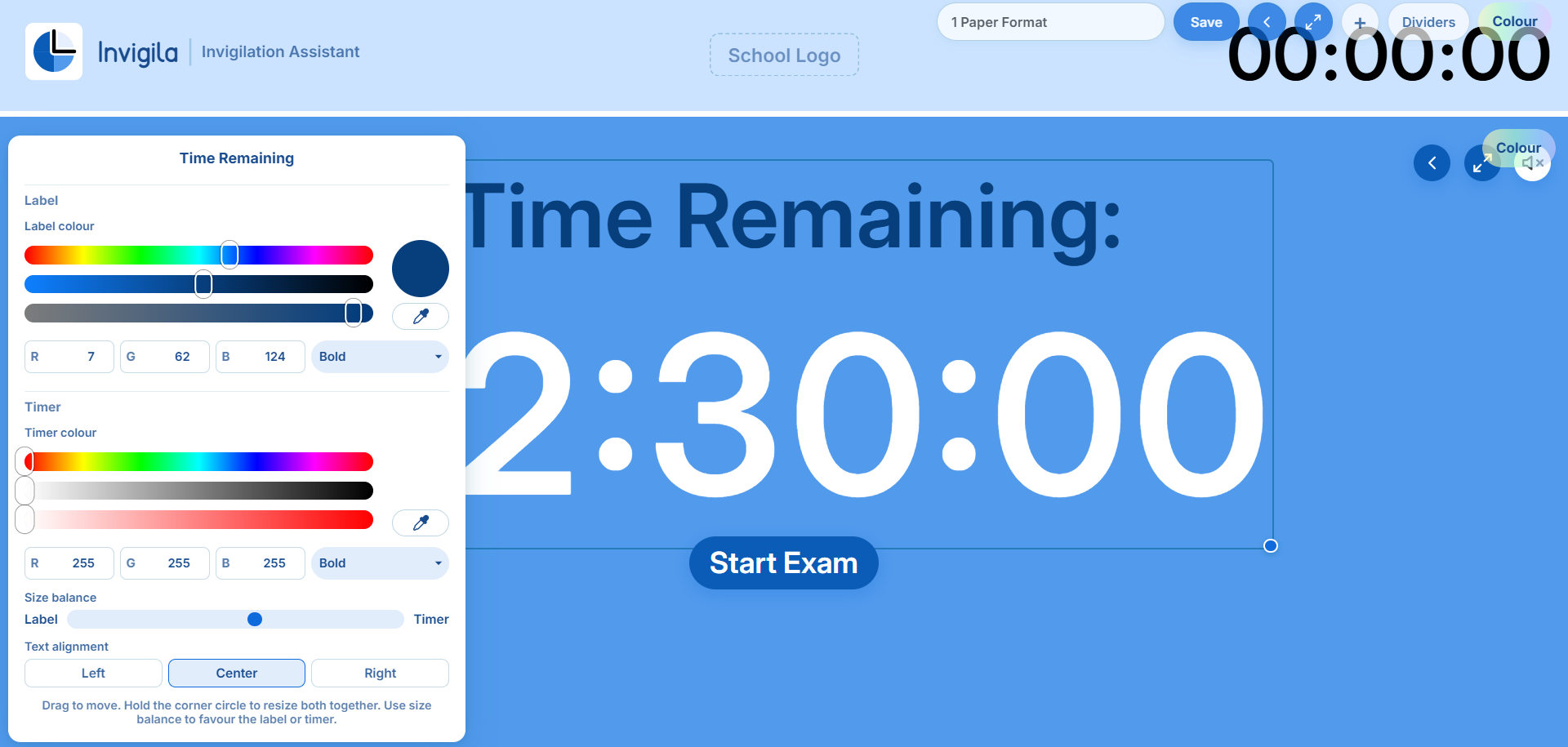
Customise Your Exam Interface
Edit Colour, Scaling & Formatting of Exam Interface Elements
Upload Your School’s Logo
Allow your Examinations to Fit Your Brand
05
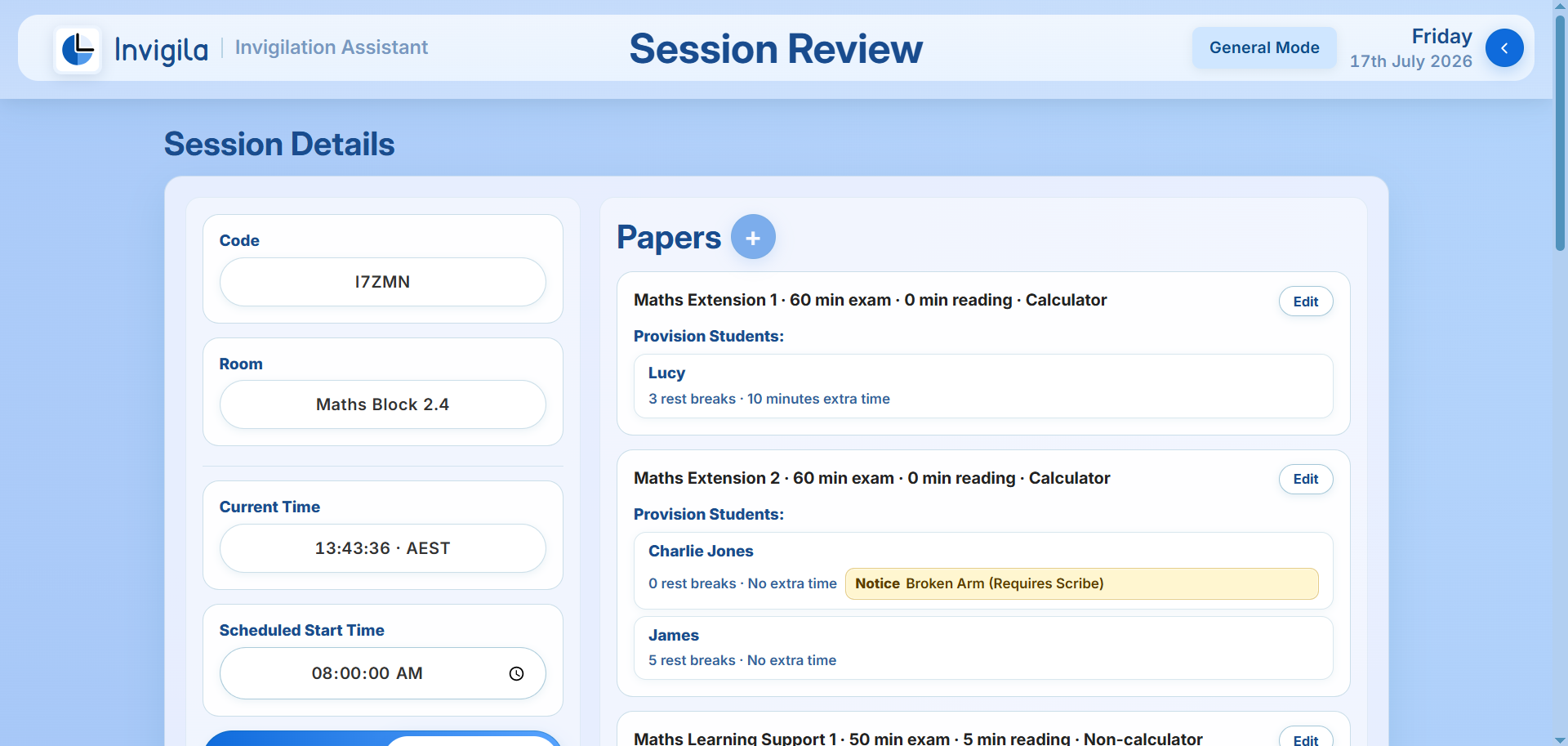
Review and Refine Session Details
Stay up to Date on the Needs of All Special Provision Students
Edit Student and Paper Details with Ease
Guarantee an Accurate and Fair Exam before Commencing
06
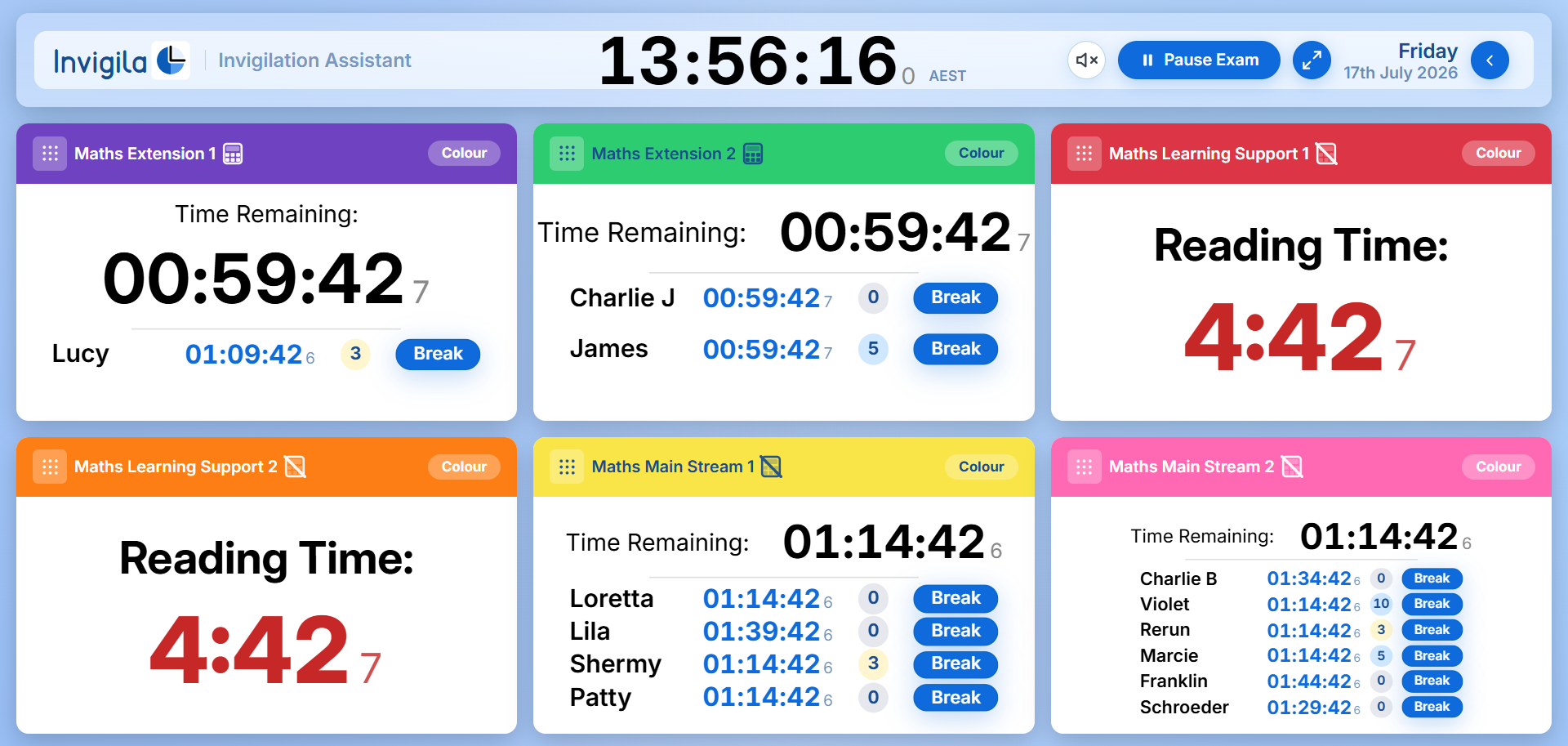
Run Examinations with Confidence for Special Provision Students
Display up to 6 Papers with up to 6 Special Provision Students Each
Reorganise, Restructure and Maximise Your Screen Real-estate
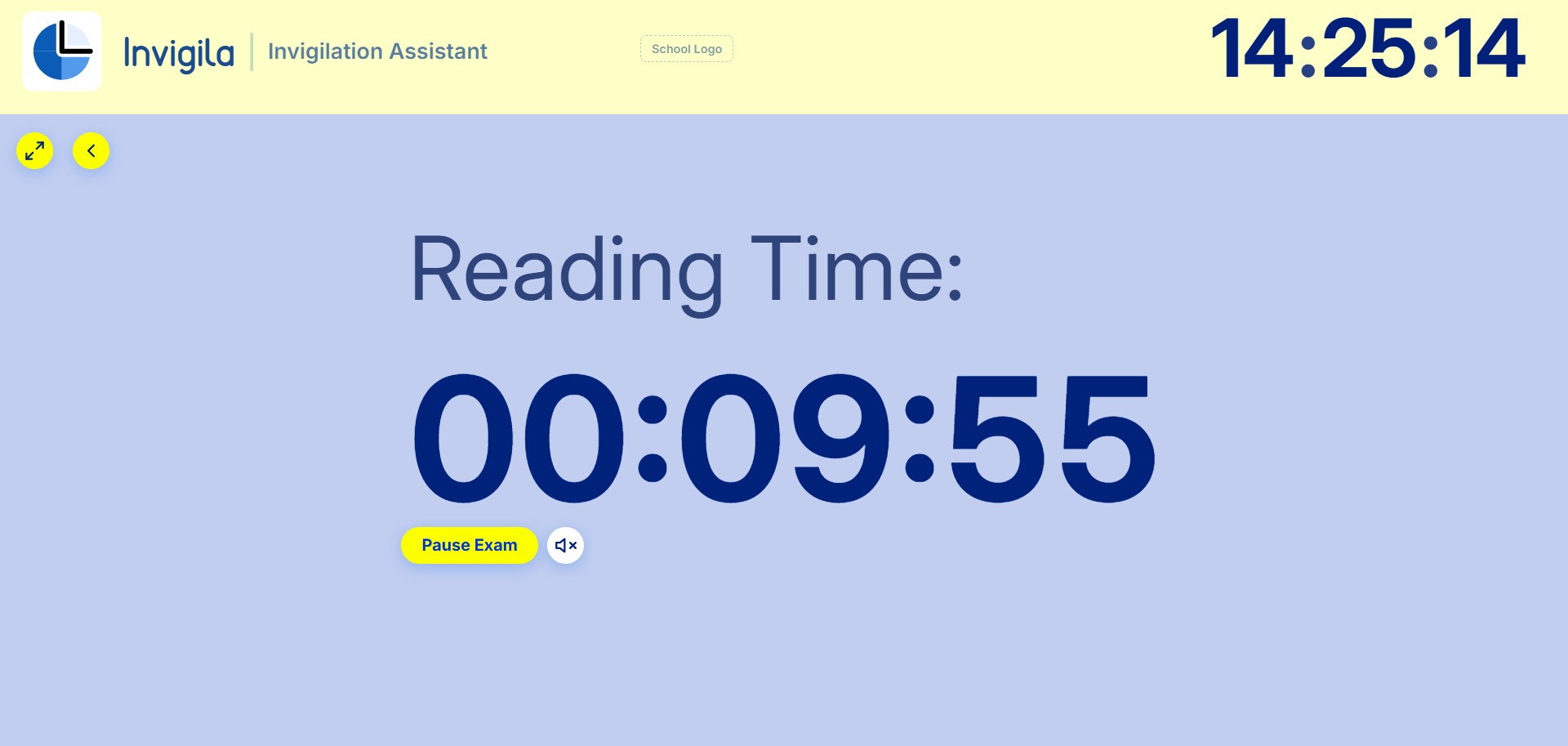
One Clear Interface for Students
Administer Rest Breaks and Organise Provisions with Ease
OR
07
Give Students a Tailored Exam Interface
Build Bespoke Displays for Your Examination Environment
Allow Your Institutions Vision and Style to be Present in the Exam Room
Save and Reuse Custom Formats Across Sessions
Additional Features
Offline SafeguardsExperiencing internet disruptions, Invigila will automatically transition to offline mode to ensure exams aren’t interrupted.
Invigilation AccuracyAutomate extra time and rest break calculations and schedule and synchronise exam times.
Clear Exam DocumentationAllow administrators to access, investigate and share exam details for examination audits.
Organisations and Accounts
Organisations can apply for multiple synced or nonsynced accounts to divide and delegate administrative accounts by group or for each individual. This allows different departments or individuals to have their own administrative sign in details and allows them to either separate or share exam periods between accounts within an organisation.